Control
Your phone is the remote.
Open a web page and pick a song. If you can check the weather on your phone, you can run your bells.
- No app to install
- No account to create
- No cloud, and nothing sent to the internet

Your caroling bells have played the same handful of carols for over thirty years. Slide in a Merrymaker and pick from 83 songs on your phone.
For Ye Merrie Minstrel caroling bells with a plug-in song cartridge. No app, no account, no cloud.
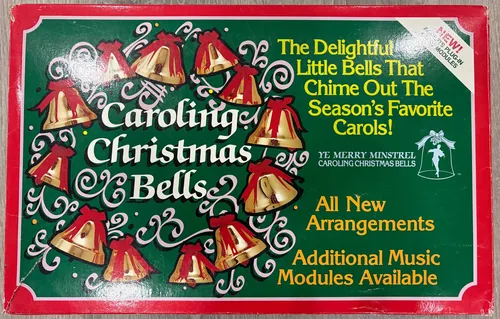
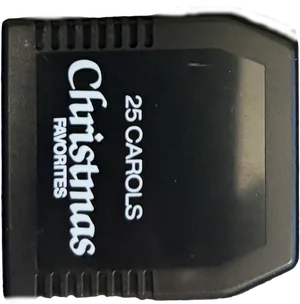
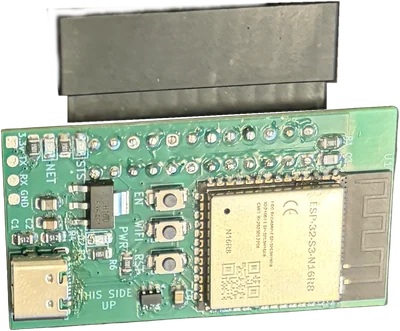
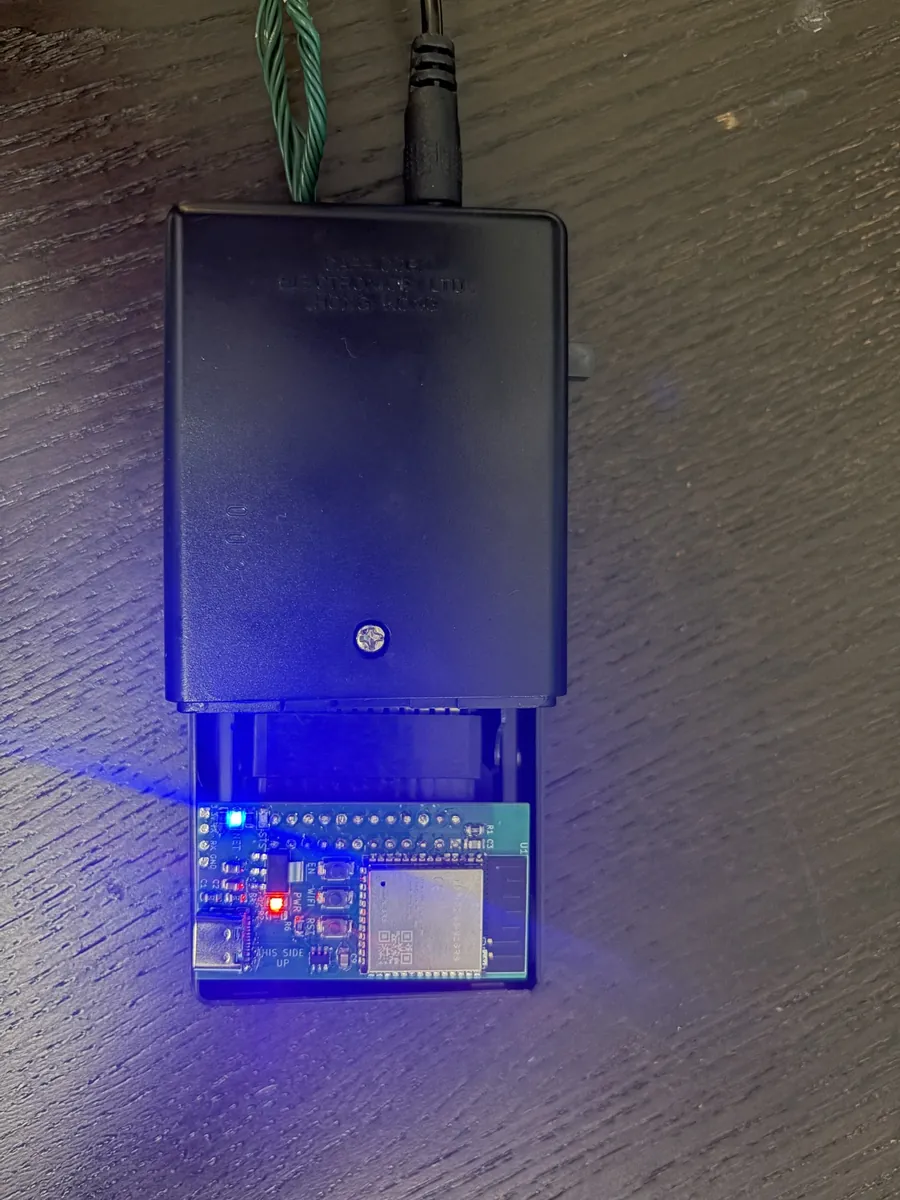
Out with the old cartridge
Merrymaker goes in exactly where your old song cartridge came out. Your bells, their stand and their lights stay just as they are. They simply know a lot more songs.
Or let them show you what they can do.
This is a simulated sound. Your real bells will sound sweeter.
Control
Open a web page and pick a song. If you can check the weather on your phone, you can run your bells.
Choir
Have more than one set? Give each its own Merrymaker and put them on the same Wi-Fi. Tap play once and the porch, the hall and the mantel all ring together, in perfect time.

Compose
No need to read music. Each row is a bell and each column is a beat, so just tap where you want a note. Try changing this one, then hit play.
The songbook
Every song is a fresh arrangement of a public-domain favorite, written to suit the bells. They come in five collections, so you can play straight through Christmas Eve or settle the little ones down at bedtime.
Plus every song you write yourself.
Before you buy
Merrymaker works with caroling bells that take a plug-in song cartridge. If a cartridge slides out of your control box, Merrymaker goes in its place.
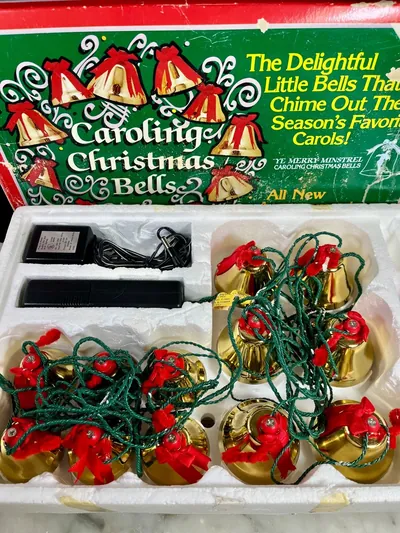
The original set, and the AUS200
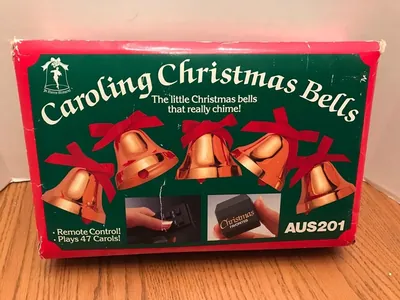
Caroling Christmas Bells with remote control
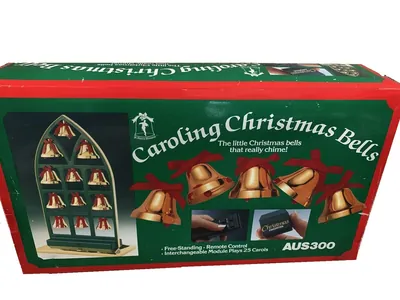
Free-standing window display with remote control
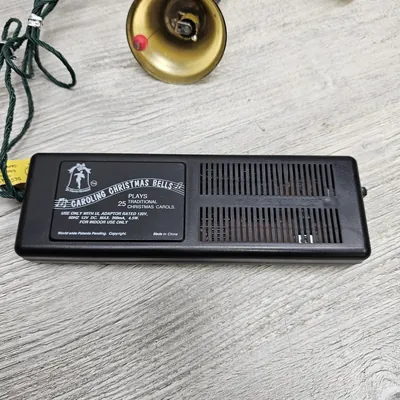
Control boxes with no cartridge to slide out
Look for a song cartridge pictured on it, or a mention of plug-in music modules on the lid.
Not sure? Message us on eBay with a photo of your bells before you buy, and we'll tell you.
Swap your old song cartridge for the Merrymaker, then plug in the included power adapter. There's nothing to take apart.
Join the Merrymaker network that appears on your phone, then choose your home Wi-Fi.
Open the Merrymaker page, tap a carol and let them ring.
No app. No account. No cloud.
Read the setup guide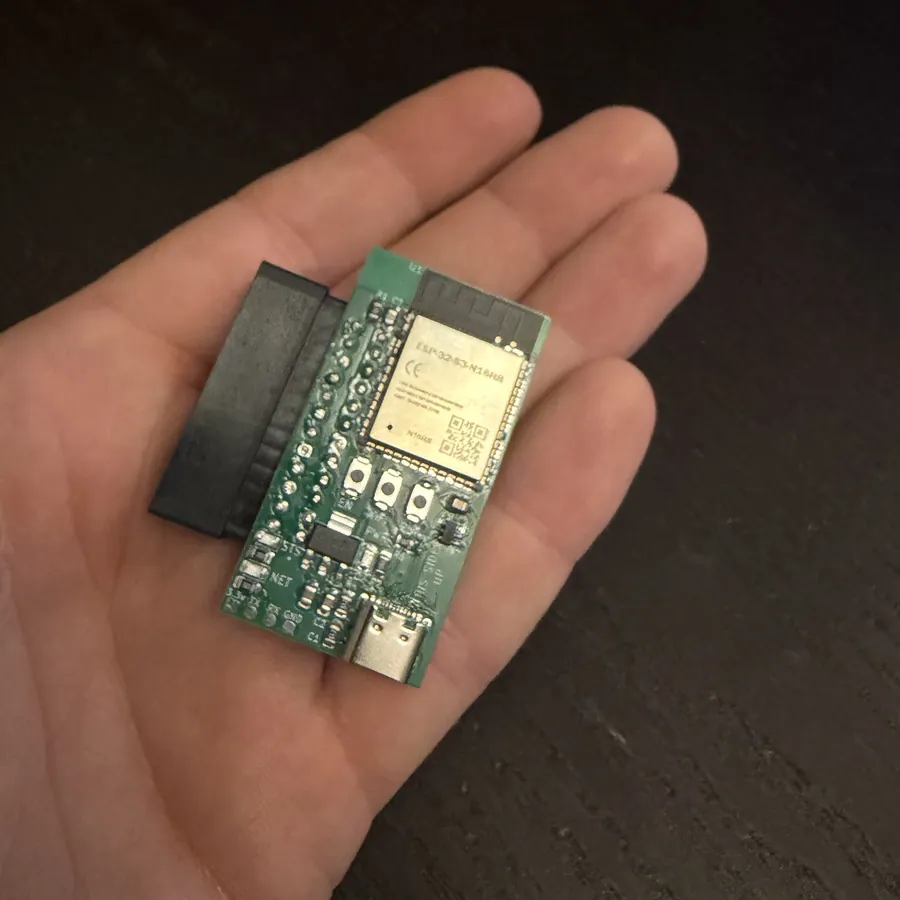
Get yours
Merrymaker is sold on eBay, so you can buy with eBay's buyer protection.
One MerrymakerLoaded with all 83 songsBells not included. You'll need your own caroling bells and a 2.4 GHz Wi-Fi network, which almost every home router has.
Only if your set takes a removable song cartridge. See Check your bells first. If you're unsure, send us a photo through eBay messages before you buy.
Not at all. If you can join a Wi-Fi network on your phone, you can set it up in a few minutes. The setup guide walks you through it.
It needs a Wi-Fi network, but not an internet connection. Everything runs on the Merrymaker itself, and nothing is sent to the cloud.
No. It slides in where your old cartridge goes, with no modifications. Keep your old cartridge, and you can swap it back any time.
Merrymaker needs a 1 A supply, which is more than the bells' original adapter provides. Use the adapter that comes with it.
Up to 17. Each set needs its own Merrymaker, and all of them need to be on the same Wi-Fi.
Yes. The Compose page lets you write a song by tapping notes on a grid, or start from any song in the songbook and make it your own. Merrymaker keeps up to 50 of your songs.
Not at all. Alongside the carols there are classical favorites and nursery songs and lullabies, so the bells can ring all year round.
Please do. Merrymaker has an API, so you can control the bells from your own programs. We'll publish the documentation when it's ready.